Super Color Editor to Change Colors Online
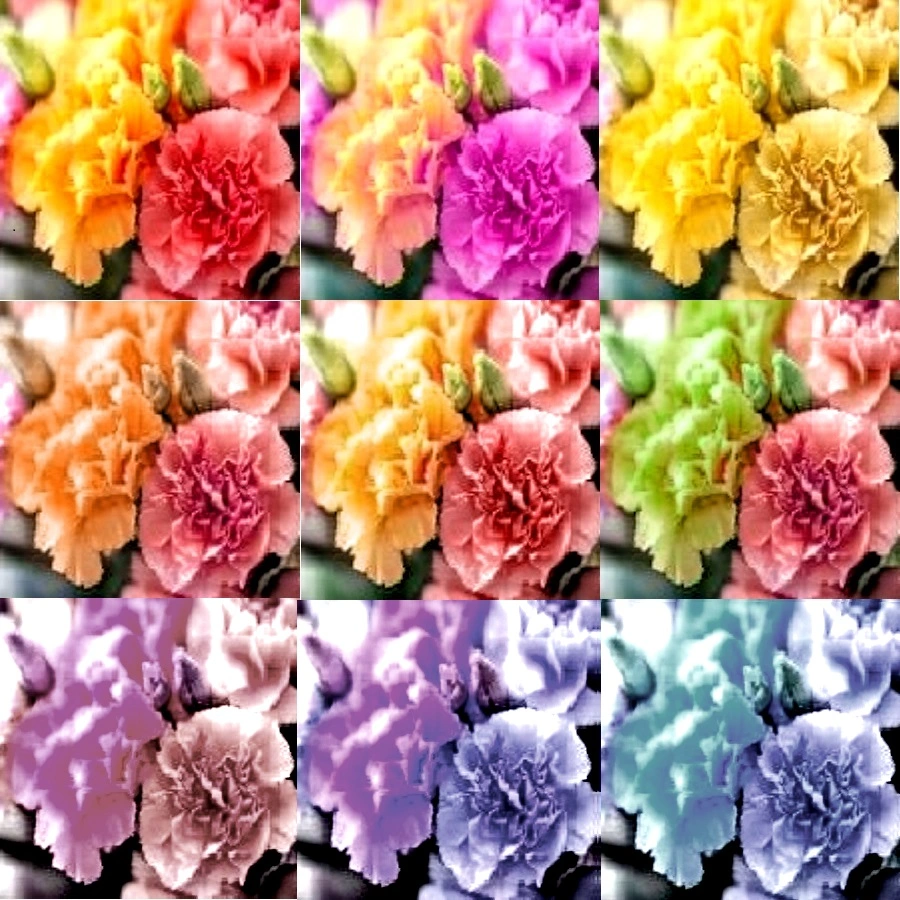
Color editor: Super hsl, rgb adjustments, in one click
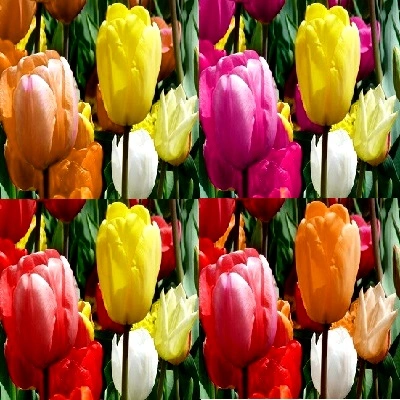
increasing or decreasing Red,Green,Blue (Primary Colors)
change saturation, light, contrast, black , white (HSL) , upholding picture quality
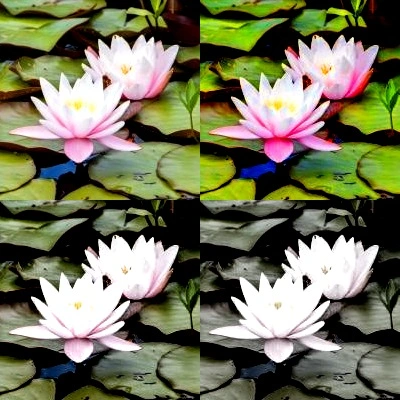
Change Saturation , Light , black-white
Adjust Saturation, Light, Darkness, Contrast, black-white
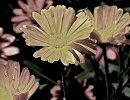
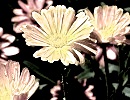
Beautiful Gray Shades Pictures
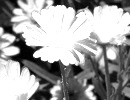
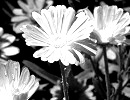
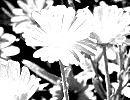
Color Editor to Replace Colors, or change color palettes
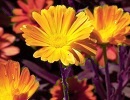
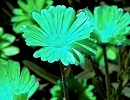
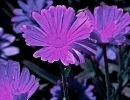
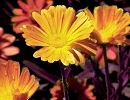
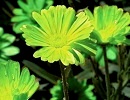
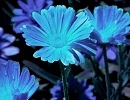
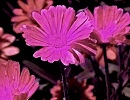
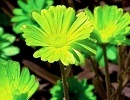
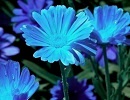
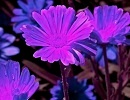
Increase or Reduce Red,Green,Blue (RGB) Primary Colors
Increase R/G/B
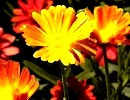
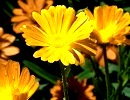
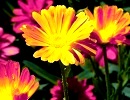
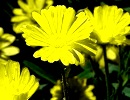
Decrease R/G/B
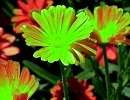
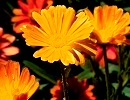
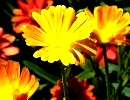
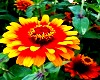
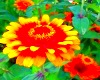
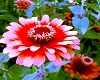
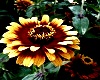
Change Saturation , Light , black-white
Adjust Saturation, Light, Darkness, Contrast, black-white
Beautiful Gray Shades Pictures
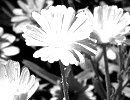
Convert to smooth, black & white , gray scale images
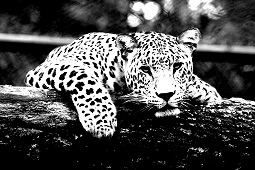 Convert any image to smooth black & white or gray shades, using the exclusive tools of this color editor. You can make fine adjustments to improve smoothness of black and white images, by a little addition of gray shades. Use the tools to Generate stunning mono-color, gray pictures , for beautiful eco friendly, and low cost prints.
Adjust Saturation, Lightness , Contrast, black-white (HSL)
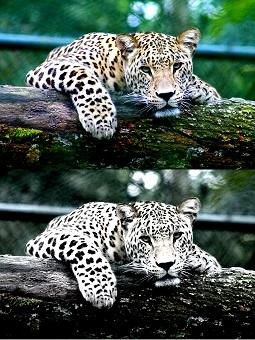 You can use the tools and controls easily to increase or decrease saturation, along with adjustments to light, contrast, black & white. If you want to increase the colorfulness/brightness of an image, increase saturation and contrast. Enhancing contrast , increases the color difference between pixels, and thus improves color depth of a picture. But if you want to reduce colorfulness or create a dull effect, reduce saturation, and to mitigate the loss of color, increase black-white intensity. The adjacent 'darkness' control allows you to make the resulting picture more light or dark.
Adjust Red/Green/Blue (RGB) , without loss of picture beauty
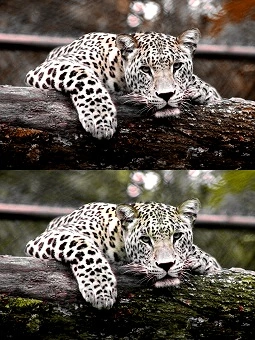 This color editor provides exclusive and easy tools to increase or decrease primary color components, in one click, without loss of color balance. Though we use standard CMYK (Cyan, Magenta, Yellow, Key/Black) for printing, in digital screens , it is easier to make color adjustments by manipulating Red/Green/Blue (RGB) . If you remove or reduce any of these color components, try adjusting black-white, to improve color depth. Also, removing a primary color, will make the other color components more visible. For example: if you want to increase red, you can simply increase red intensity or, reduce green/blue intensities. similarly you can apply this theory to all three main color components , red , green blue.
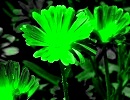
Make a particular color prominent
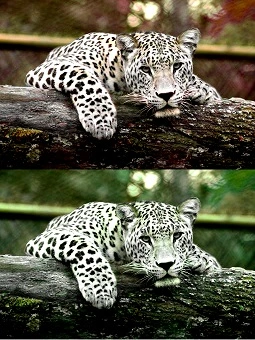 You can make a particular color prominent, and outstanding above other colors, by using color-replace tools/links. In this process, all the pixels of the image are replaced by the color range you select, which is different from conventional hue increase/decrease functions. There are nine color pallettes to select from: red,green,blue, orange, cyan, purple, lime, azure, pink. You can also adjust saturation, contrast, light-dark, black-white, simultaneously to refine the picture further. When you adjust black-white or contrast, alter the setting of the adjacent 'darkness' control, if you want to adjust the lightness or darkness of the image.