Reduce Printing Cost Online
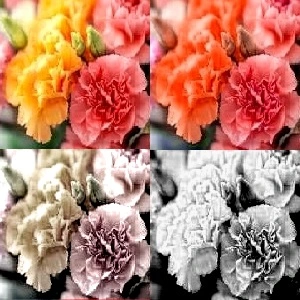
In 1 Click, Reduce Colors Without Compromise
Click any edit style below, to adjust HSL/RGB of colors, or image transformations. To reduce 'CMY' Printing Colors : reduce red/green/blue primary colors , or lower saturation and contrast; but, increase black-white to improve color resolution , clarity and sharpness of image. Note Following , on how RGB combinations form CMY components: Green + Blue = Cyan, Red+ Blue = Magenta, Red + Green = Yellow .
Reduce Printing Cost by decreasing saturation (HSL)
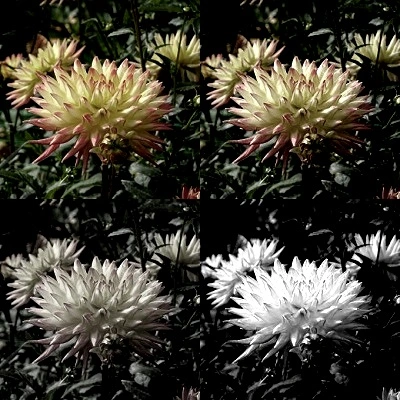
Reduce Printing Cost by decreasing Red/Green/Blue (RGB) Primary Colors
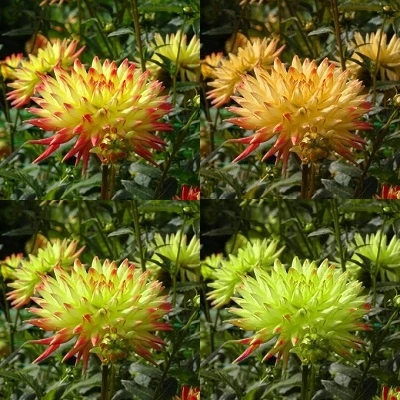
Change Saturation and Light for Beautiful , Low Cost Printing
Adjust Saturation, Light, Darkness, Contrast, to Reduce Printing Cost



Beautiful Gray Shades Pictures for Low Color, Monochrome Print
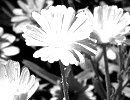
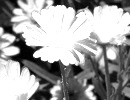


Replace Colors Easily, for Special Printing Needs
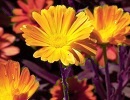
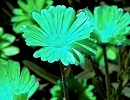
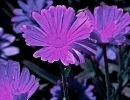
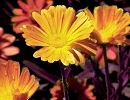
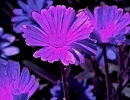
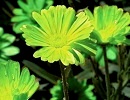

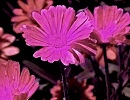

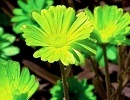


Increase or Reduce Red,Green,Blue (RGB) Primary Colors
Increase R/G/B for Print Effects



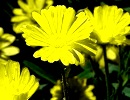
Decrease R/G/B to Reduce Printing Color, or Special Effects
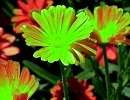
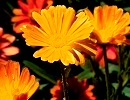






Change Saturation and Light for Beautiful , Low Cost Printing
Adjust Saturation, Light, Darkness, Contrast, to Reduce Printing Cost
Beautiful Gray Shades Pictures for Low Color, Monochrome Print
Easily adjust Red,Green,Blue (RGB) for best CMY (Cyan/Magenta/Yellow) changes
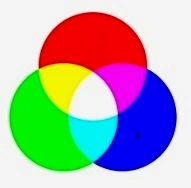
Reduce color printing costs by Saturation, Lightness (HSL) adjustments
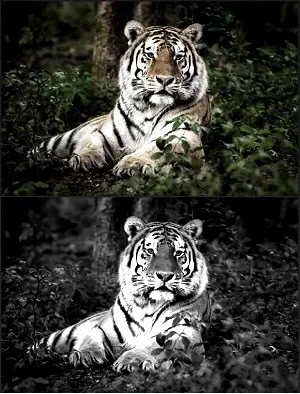
Reducing magenta, cyan, yellow, usage
 In standard CMYK (Cyan, Magenta, Yellow, Key/Black) printing, green is not a dedicated ink. Instead, it is created by blending cyan and yellow. Similarly , cyan and magenta creates Blue, and magenta plus yellow creates red. By reducing red, green, blue, the use of CMY can be lowered. You can use the red/green/blue (RGB) decrease or removal tools/links to lower CMY or color ink. Also, as an additional feature, you can use the same tools to adjust black-white, if required. However, with this editor, reducing a color does not affect picture quality drastically as it uses special algorithms to balance the decrease according to pixel hsl values. Instead, picture beauty may increase due to special effects.
Change the dominant color
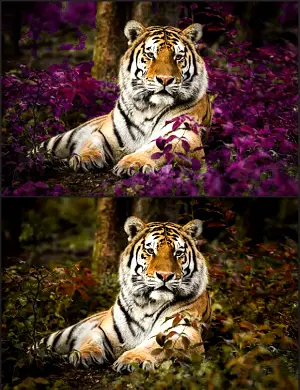 A dominant color is the primary hue that occupies the largest space. You can switch the dominant color to Red/Green/Blue/orange/cyan/purple/lime/azure/pink, and gain advantages in color printing. In this process, color of each individual pixel is replaced with your chosen color range, maintaining picture detail. Further, you can adjust contrast, black-white, saturation, darkness simultaneously with this conversion. More elaborately, the combination of CMY components for dominant colors are as follows : red = magenta + yellow ; green = cyan + yellow ; blue= magenta + cyan; orange = yellow + magenta; purple = magenta + cyan; lime = yellow + cyan; azure = cyan + magenta; pink = magenta + yellow;