Super RGB Editor to change colors without compromise
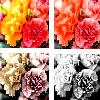
Super RGB Editor to adjust colors , without compromising picture beauty
Click any edit style below, to adjust HSL/RGB of colors, or for image transformations.
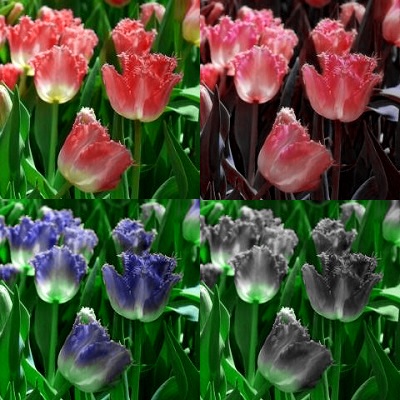
To adjust RGB, select Red/Green/Blue change functions, or color replace options. Increasing Saturation or contrast may increase red/green/blue levels. However, when reducing or increasing colors/saturation, to maintain color depth/balance , adjust black-white, light-darkness settings on controls of this HSL Editor page.
Increase Red/Green/Blue (RGB primary colors)
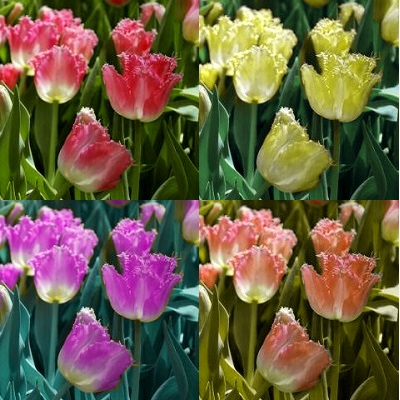
RGB Editor to Reduce Red/Green/Blue primary colors
width
0
height
0
width
0
height
0
file size
0 mb
Alter Saturation, Light, black & white
Adjust Saturation, Light, Darkness, black/white retaining some hue
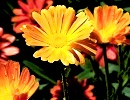
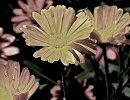
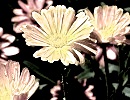
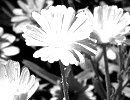
Super RGB Editor for gray scale
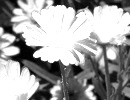
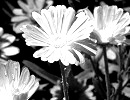
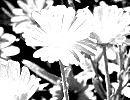
Replace Colors
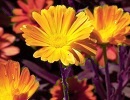
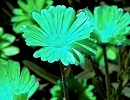
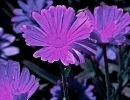
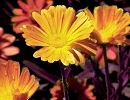
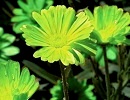
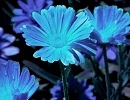
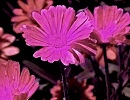
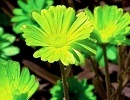
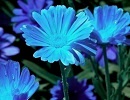
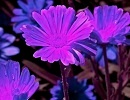
Increase or Reduce Red,Green,Blue (RGB primary colors) of pixels
Increase R/G/B colors
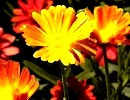
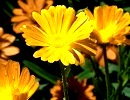
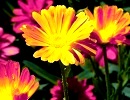
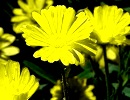
Decrease R/G/B colors